Screen repair and replacement
Cracked screens, damaged panels, flickering, backlight issues and external-display diagnosis.

MacBook repair in West Los Angeles
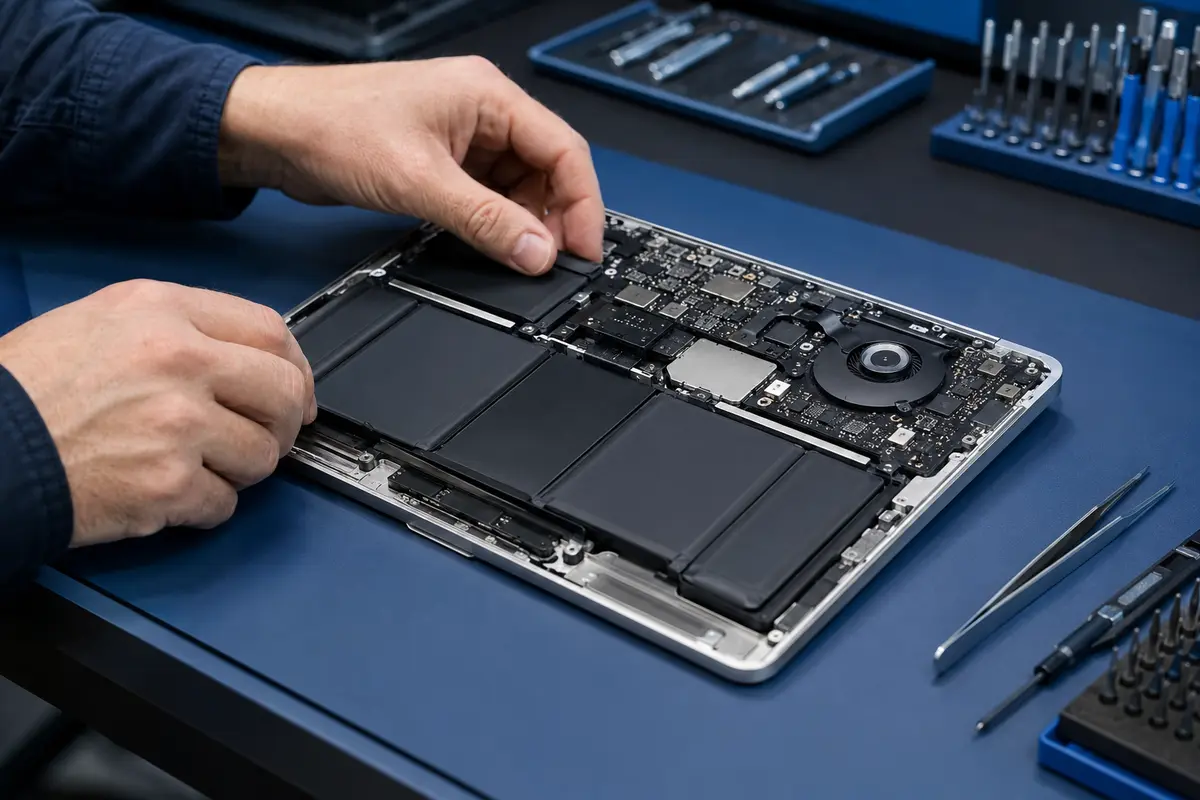
Screen, battery, keyboard, charging, liquid-damage and no-power problems can have different causes. We help identify the issue and explain the practical repair options.
MacBook services
Share the MacBook model, approximate year and symptoms when you call. That information helps narrow the diagnosis and determine the next step.
Cracked screens, damaged panels, flickering, backlight issues and external-display diagnosis.
Short runtime, service warnings, swelling, heat and unexpected shutdowns.
Keys that stick or fail, unresponsive trackpads and input problems after liquid exposure.
Diagnosis for chargers that are not recognized, intermittent charging and damaged ports.
Inspection of corrosion, power rails, connectors and components after a spill.
Diagnosis for MacBooks that will not start, plus data-recovery options when files matter most.
Repair or replace?
Identify the MacBook. The model and year affect compatible parts and service options.
Protect important data. Back up the MacBook if it operates, or tell us when data recovery is the priority.
Review the diagnosis. Compare the repair recommendation with the device’s condition and value.
West Los Angeles MacBook service
Office visits are available by appointment at 2035 Westwood Boulevard. Mobile service may be available for customers in West Los Angeles and surrounding communities.
MacBook repair questions
We diagnose display, battery, keyboard, trackpad, charging, storage, liquid-damage, overheating and no-power problems.
Yes. A no-power MacBook can have battery, charging, board, display or liquid-damage issues. Diagnosis helps identify the cause before repair options are recommended.
If the MacBook still works, back up important files before service whenever possible. If it will not start, explain what happened and whether data recovery is a priority.
We diagnose and repair MacBook Air and MacBook Pro display problems, including cracked panels, lines, flickering and backlight faults. Call with the exact model and symptoms to confirm the screen options and estimate.
Cost depends on the model, the fault and the parts required. We inspect the MacBook, explain the findings and discuss repair options before work begins. Tell us if recovering your files is the main priority.
Tell us the symptoms